

Scan the build.
Your build
deserves
a spec sheet.
Create your digital build sheet. Stick your BuildTag on your car. Let anyone scan to see what's done to it.
- Permanent
- QR code
- Vector
- print export
- Free
- to start
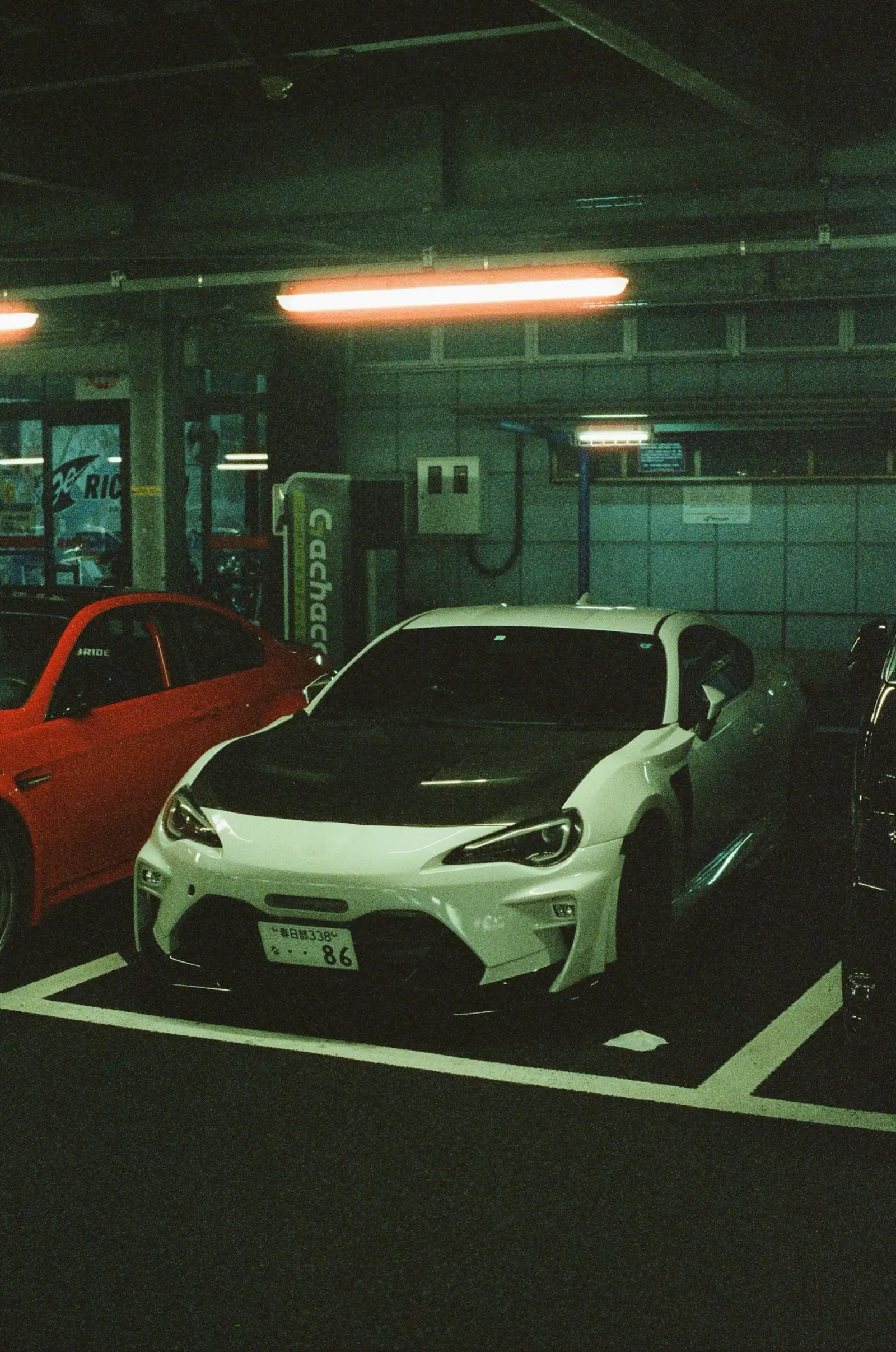
Physical BuildTag
On the car. On every car.
Show BuildTag
Sticker on the quarter panel.
Whole build on their phone.
The decal is real artwork you print: vector QR, safe quiet zone, automotive styling around it. Someone scans it in a parking lot and lands on the build sheet in about a second, even on cellular.

2022 Toyota GR Supra
Ghost
540
WHP
520
WTQ
24
MODS
- Power, torque, mod count up top
- Vehicle socials before owner socials
- Every part, with a link
- Open the demo build
How it works
Three steps. One decal.
 01
01Build it
Add your vehicle, power numbers, photos and every modification. Type fast: category and part name is enough to start.
- 02
Tag it
Pick a template, shape and style in the Designer. Download vector artwork with the QR protected, print it, stick it on.
 03
03Scan it
Anyone at the meet, the track or the gas station scans and sees what's done to it. You see the scans.
What you get
Built for people who build.
Not a social network. A spec sheet that lives on the car, with the analytics to prove people are reading it.
- 01
Digital build sheet
Every modification in one place, organized by category, with prices if you want them shown.
- 02
Permanent BuildTag
One QR that stays with your build. Change anything, never reprint.
- 03
Show your power
WHP, torque, dyno, mileage and build cost up front.
- 04
Show your socials
The car's Instagram, TikTok and YouTube first. Yours second, or hidden.
- 05
Design your tag
Ten shapes, nine automotive styles, QR frames, print-ready SVG and PNG.
- 06
Part discovery
Every part can link out. You see which parts people click.
Wherever the car goes
The tag goes too.



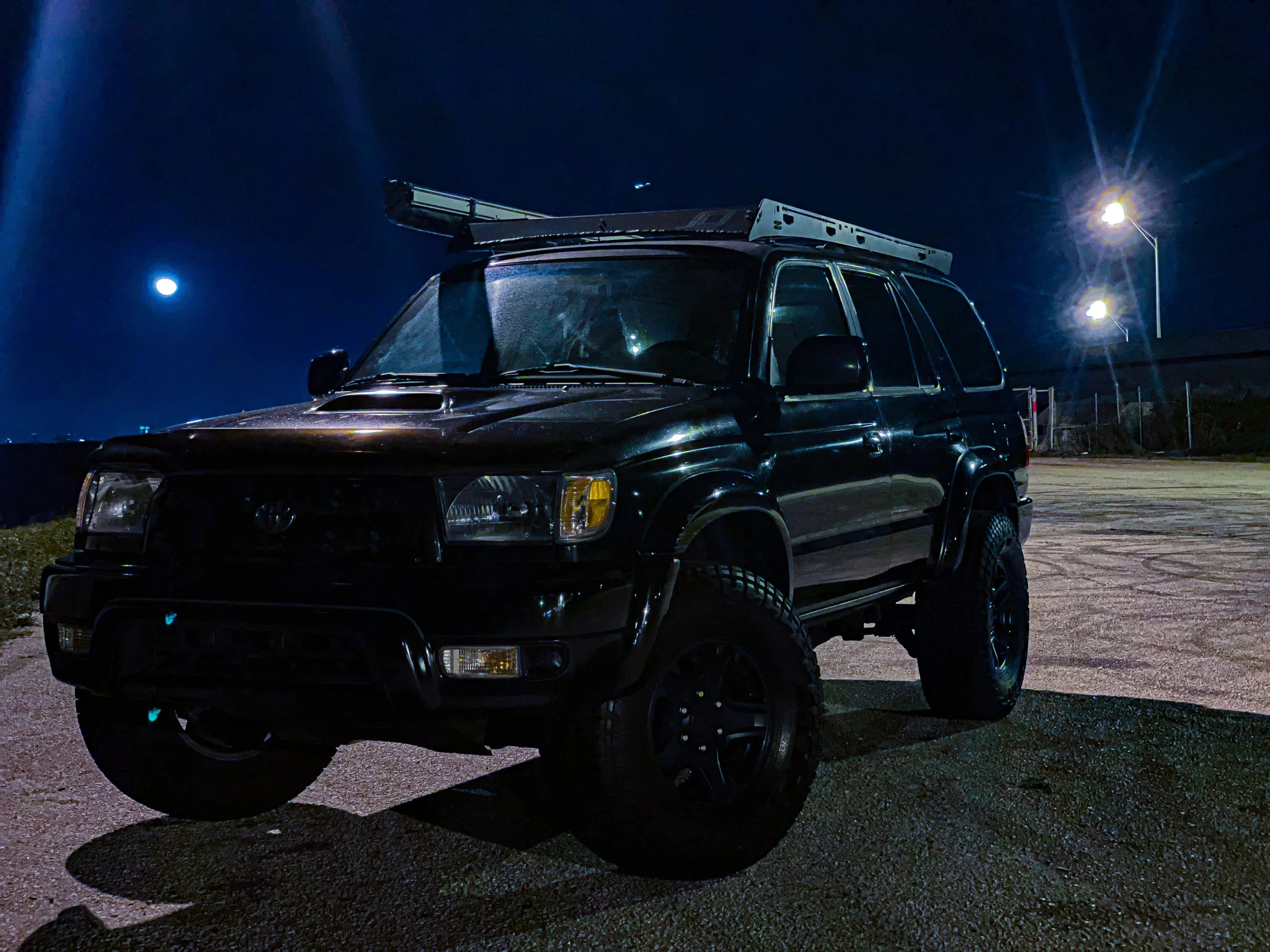
Most scanned
On the streets tonight.

Plans
Free is the real thing.
Free
$0 forever
- 1 vehicle
- 12 photos
- Unlimited modifications and part links
- Vehicle and owner socials
- Permanent BuildTag QR
- Standard decal templates, SVG and PNG export
- Scan and click analytics
Pro
Coming soonGarage tier
- Up to 10 vehicles
- 60 photos per vehicle
- Premium decal styles and QR frames
- Custom colors and branding
- Advanced analytics
- Build cost tools
Everything Pro-labelled is unlocked for everyone while BuildTag is in early access.
Questions
Before you print.
What happens if I rename my build or change my username?+
Nothing, for the decal. The QR encodes a permanent short code, not a URL with your name in it. Scans always resolve to wherever your build lives now.
Where do I print the decal?+
Download the SVG (vector) or a 300 DPI PNG from the Designer and send it to any sticker or decal printer. The outer shape is the cut line. Test-scan the printed decal before you apply it.
Can I hide my personal accounts and only show the car's?+
Yes. Vehicle socials and owner socials are separate. You can hide the whole owner section per vehicle, or hide individual links.
Does anyone need an account to view my build?+
No. Public and unlisted builds open for anyone who scans or has the link. Likes work without an account too.
What if I sell the car?+
Set the build to private or transfer it later. The decal keeps pointing at the same code, so you stay in control of what it shows.

What's done to it?
Stop answering the same question in every parking lot. Put the answer on the car.